The iPhone Photo Dilemma
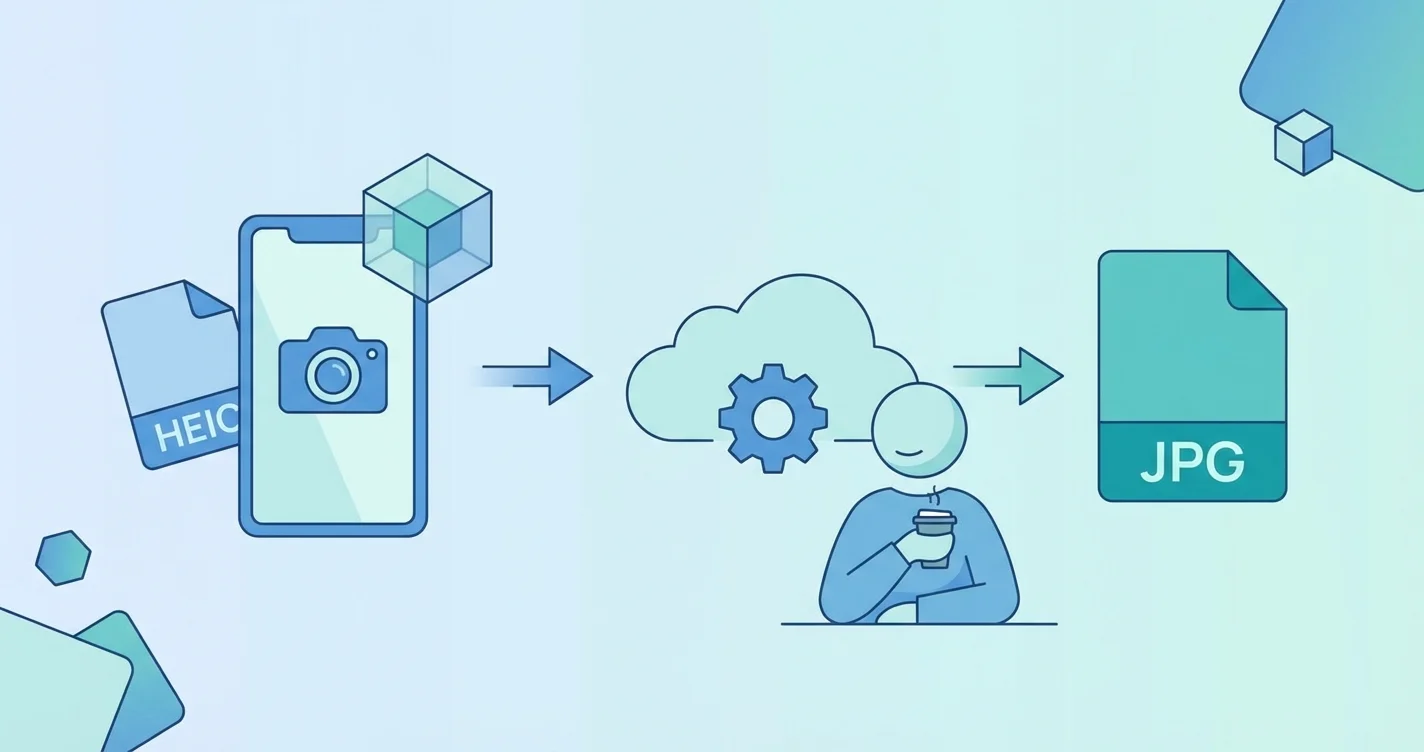
Apple devices take stunning pictures, including immersive spatial photos. By default, these images save in the High-Efficiency Image Container format. While this saves storage space, sharing these files with Windows users or uploading them to older websites often results in annoying error messages. You need a reliable way to change these files into a universal format without losing your mind. Our solution is completely free, requires no sign up, and leaves no watermark for instant use.
Real Scenarios Where JPG Wins
- Ecommerce: Most online store platforms strictly require JPG or PNG images for product galleries.
- Social Media: While modern apps adapt, scheduling tools often reject high-efficiency formats.
- Official Forms: Government and visa application portals almost always demand standard JPG files.
- Portfolios: Web designers need universally supported formats to ensure fast loading across all browsers.
How to Change Your Image Format Instantly
You do not need to download heavy software or pay expensive monthly fees to manage your media. Simply upload your Apple images to our web-based tool. The conversion happens in seconds directly in your browser. You get instant use of your files with zero hassle. Since there is no subscription and no sign up required, you can process your gallery immediately and get back to your work.
Managing Spatial Photos and Advanced Media
The latest Apple headsets and pro phones capture spatial media that adds depth to your memories. However, extracting a standard flat image from these complex files can be tricky. Converting them to a standard format ensures you can print them, share them in emails, or even link them to a custom QR code for easy sharing at events.
Best Practices for Keeping Image Quality
- Always convert from the original source file to avoid compression artifacts.
- Check the final file size if you plan to upload the picture to a strict web portal.
- Keep a backup of your original spatial media in case you purchase a compatible headset later.