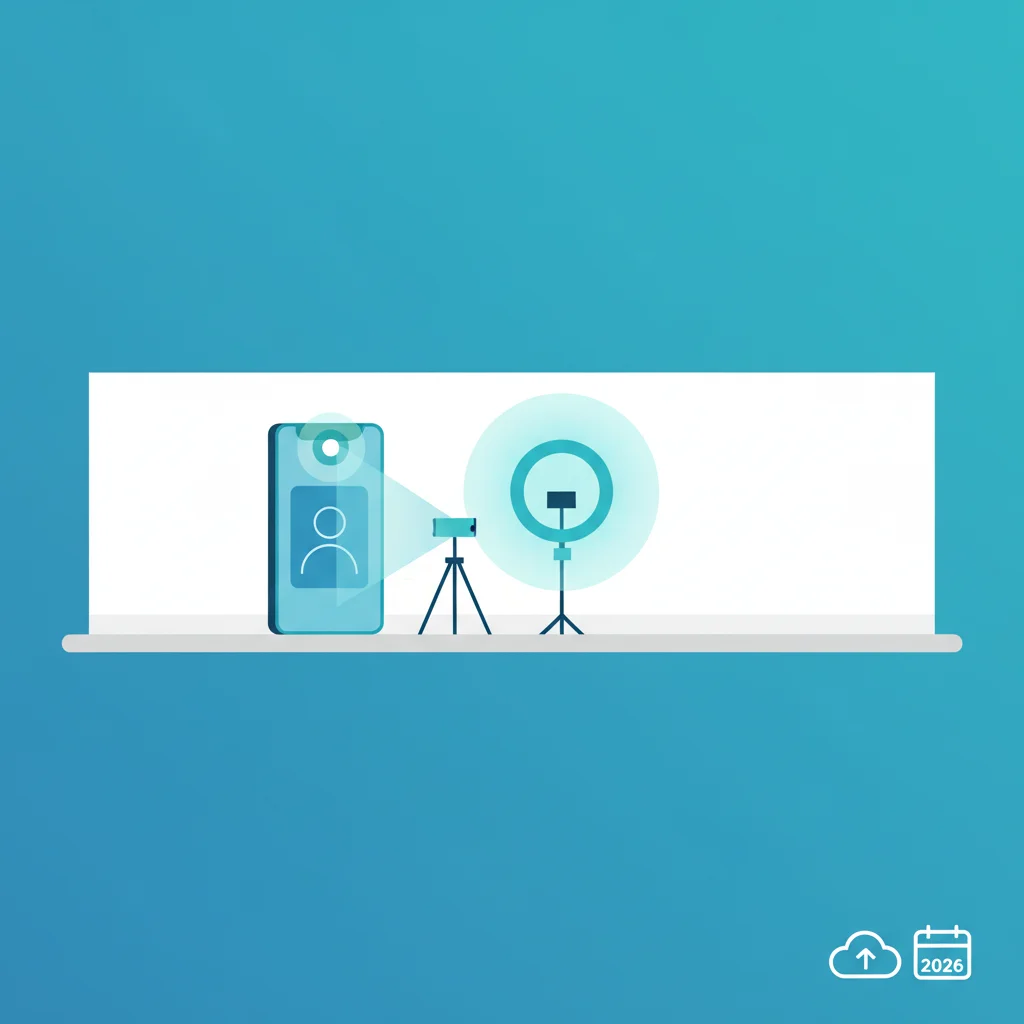
Why Make Your Own Passport Photos at Home?
In 2026, creating your own passport photos at home with just a smartphone is not only possible but also highly convenient and cost-effective. Gone are the days of rushing to a photo booth or professional studio. This guide empowers you to take compliant, high-quality images from the comfort of your own space, saving you both time and money. With a few simple steps and the right tools, you can achieve professional results ready for submission.
Understanding Passport Photo Rules 2026
- Plain White or Off-White Background: Ensure there are no patterns, textures, or shadows. A sheet or plain wall works best.
- Neutral Facial Expression: Keep your eyes open, looking directly at the camera, with a natural, non-smiling expression.
- Proper Lighting: Evenly lit face, no shadows, no red-eye. Natural daylight is ideal.
- Head Position: Your head must be centered and fill between 50-69% of the photos total height, from the bottom of the chin to the top of the head.
- No Glasses, Hats, or Head Coverings: Unless worn daily for religious purposes, and it does not obscure any facial features. No sunglasses.
- Focus and Clarity: The photo must be sharp, in focus, and free of pixelation or blur.
- Recent Photo: Taken within the last six months to reflect your current appearance.
Setting Up Your Home Studio for Success
Transforming a corner of your home into a passport photo studio is simpler than you might think. First, find a well-lit area, preferably near a large window for natural, diffused light. Avoid direct sunlight which can create harsh shadows. For the background, hang a plain white or off-white sheet, or find a clean, uncluttered wall. Ensure it is smooth and free of wrinkles. Position yourself about three to four feet from the background to minimize shadows. Use a tripod or have a friend hold your smartphone steady at eye level. Clean your smartphones camera lens thoroughly for the best image quality.
Taking the Perfect Shot with Your Smartphone
- Camera Settings: Use your smartphones main rear camera, not the selfie camera, for higher resolution. Disable flash. Set your phone to its highest resolution setting.
- Posing: Stand or sit upright, facing the camera directly. Keep your shoulders back and relaxed. Look straight into the lens.
- Expression: Maintain a neutral, non-smiling facial expression with your eyes wide open. Avoid squinting or frowning.
- Distance: Position yourself far enough from the camera so that your head and shoulders are clearly visible, allowing for later cropping to the correct head size percentage.
- Take Multiple Shots: Capture several photos to ensure you have options, checking each one for focus, lighting, and expression.
Editing and Sizing for Submission
Once you have several good candidate photos, it is time for minor adjustments. While heavy editing is prohibited, you can use your smartphone or online tools to crop and resize the image. Many apps and websites offer specific passport photo templates that automatically adjust dimensions to meet official requirements. Tools like our image resizer or crop tool can help you achieve the precise dimensions. Some advanced tools even offer background removal to ensure a perfectly plain white background, if your initial setup was not ideal. Always double-check the final dimensions against official guidelines before proceeding.
Final Review and Printing Tips
- Official Guidelines Check: Before printing or submitting, revisit the official passport photo requirements for your country. Rules can sometimes change, even slightly, year to year.
- Print Quality: If printing at home, use high-quality matte or glossy photo paper. Ensure your printer has sufficient ink and is set to print at its highest quality.
- Professional Printing: For guaranteed quality, consider taking your digital file to a local photo lab or pharmacy. They often have specific machines calibrated for passport photo printing.
- Digital Submission: If submitting digitally, ensure the file format and size meet the specified requirements. Use an optimizer tool to reduce file size without compromising quality.