What's Changing in 2025–2026: QR Codes Become Mandatory (or Highly Recommended)
Spain: Verifactu and Electronic Invoicing
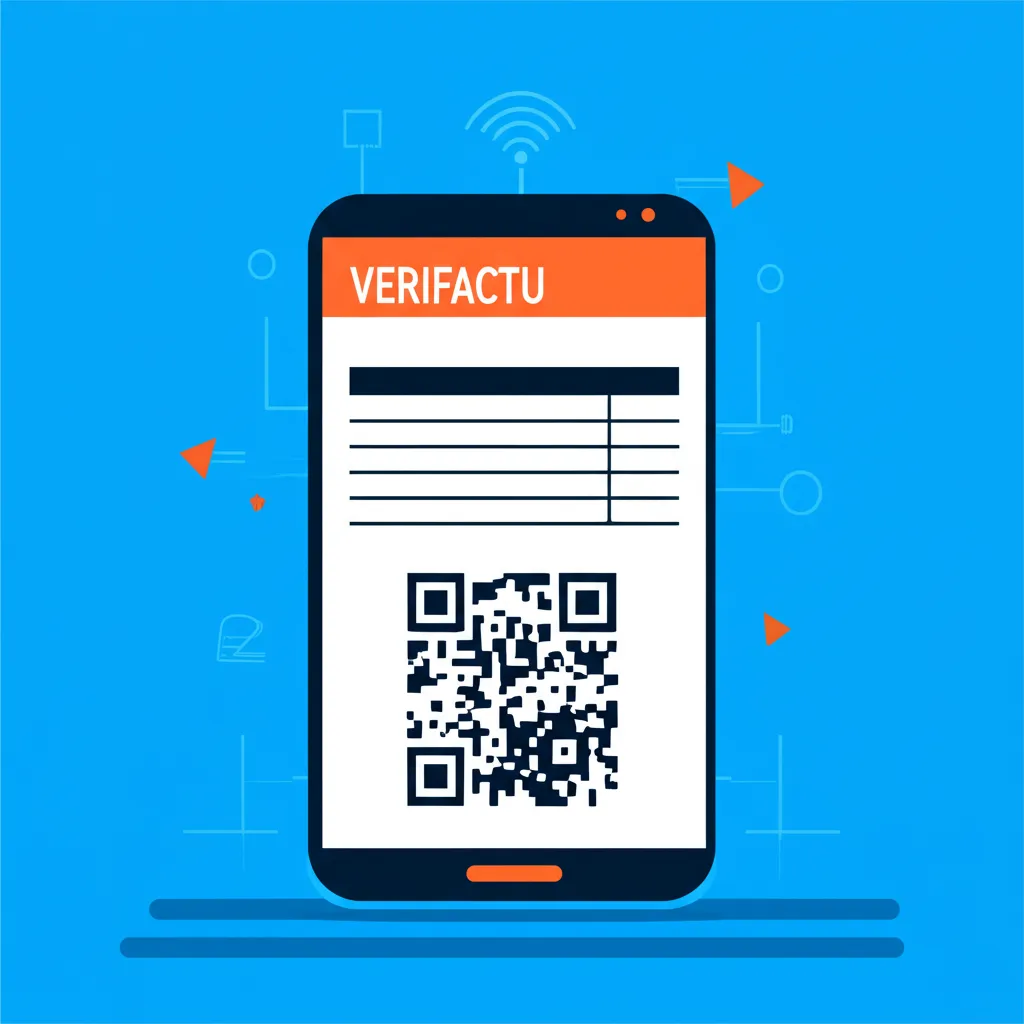
In Spain, the implementation of Verifactu and electronic invoicing brings concrete deadlines from July 2025. From that date, invoicing software must be certified and approved. Mandatory compliance is being phased in through 2026, requiring receipts and invoices to include digitally verifiable data.
An example already in effect is TicketBAI in the Basque Country (especially Bizkaia), where receipts must include a QR code that allows both authorities and consumers to verify the document's authenticity. This model is spreading as a reference for other regions.
European Union: Digital Product Passport (DPP)
In parallel, the EU is accelerating the Digital Product Passport (DPP), an initiative that will require products to include traceable information accessible via a scannable carrier, typically a QR code. Public consultations and technical guidelines are being published in 2025, with mandatory compliance expected to affect sectors like textiles, electronics, and batteries first.
The DPP is not just about regulatory compliance, but also an opportunity for brands to communicate sustainability, origin, composition, and recycling instructions directly to end consumers.
The Rise of "Quishing": QR Phishing Risk
Along with the growth in QR code usage, regulators are warning about the increase in quishing (phishing via QR codes). Attackers distribute malicious QR codes that redirect to fraudulent sites, taking advantage of users not being able to see the URL before scanning.
This makes it critical for businesses and QR generators to adopt anti-fraud measures: URLs with verifiable own domains, destination previews, HSTS, and user education.
Best Practices for Professional QR Codes
Minimum Size and Reading Distance
- Invoices and product labels: Minimum 2×2 cm for close-range scanning (10-20 cm).
- Signage and posters: General rule:
QR size = 10 × reading distance. Example: to read from 1 meter → 10 cm QR. - Quiet zone: Mandatory white margin of at least 4 modules (the small squares of the QR) on all sides.
Contrast and Readability
- Maintain minimum contrast of 3:1 between dark modules and light background.
- Avoid light colors on light backgrounds or complex patterns beneath the QR.
- Perform scan tests on different devices and lighting conditions before mass printing.
Short URL with Own Domain
- Use shorteners with your own domain (e.g.,
yourcompany.com/i/inv123) instead of generic services. - Include UTM parameters for analytics (
?utm_source=invoice&utm_medium=qr&utm_campaign=jan2025). - Implement HSTS to force HTTPS and prevent man-in-the-middle attacks.
Anti-Quishing Measures
- URL preview: If implementing your own system, always show the destination URL before redirecting.
- Verifiable domain: Educate your customers to verify that the domain matches your official brand.
- Contextual warnings: On physical invoices, include text: "This QR directs to [yourdomain.com]. Do not scan QR codes from unverified sources".
How to Generate Professional QR Codes Today with OrquiTool (Free)
Basic Steps
- Go to OrquiTool: Access the QR code generation tool.
- Paste your URL: Can be an invoice URL, product sheet, or verification landing page. Include UTM parameters if you want to track scans.
- Customize the design: Choose corporate colors (respecting contrast), add your logo in the center (without affecting readability), adjust the quiet zone (margin).
- Export in SVG or PNG: SVG is scalable without quality loss (ideal for print). High-resolution PNG works for digital and small print runs.
Static vs Dynamic QR Codes
- Static: Encode the final content directly in the QR. Advantage: work offline, never change. Disadvantage: can't edit the destination after printing.
- Dynamic: Encode a short URL that redirects. Advantage: can change destination without reprinting, advanced analytics. Disadvantage: require connection and active server.
Recommendation for invoices: use dynamic QR with your own domain, so you can update invoice information or add notices without reprinting.
Recommendation for DPP labels: evaluate if the product will have long shelf life without connectivity (e.g., clothing in storage). In that case, a static QR with basic information may be more robust.
Templates for Invoices and Labels
OrquiTool allows generating multiple QR codes with the same design configuration. If you need to generate QR codes for batches of invoices or product labels:
- Define a design template (colors, logo, quiet zone).
- Generate individual QR codes varying only the URL (e.g.,
yourcompany.com/i/001,yourcompany.com/i/002, etc.). - Export all in batch as PNG or SVG to integrate into your printing system.
Downloadable Checklist: Audit-Ready QR Codes
Use this verification checklist before printing your QR codes for invoices, receipts, or product labels:
Design and Readability
- ☐ Minimum size: 2×2 cm (invoices/labels) or 10× reading distance (signage)
- ☐ Quiet zone of at least 4 modules on all sides
- ☐ Minimum contrast 3:1 between modules and background
- ☐ Tested on at least 3 different devices (iOS, Android, native camera)
URL and Analytics
- ☐ URL with verifiable own domain (no generic shorteners)
- ☐ UTM parameters configured (
utm_source,utm_medium,utm_campaign) - ☐ HTTPS mandatory (with HSTS enabled)
- ☐ Mobile-optimized landing page
Anti-Quishing Security
- ☐ Domain matches official brand (avoid typosquatting)
- ☐ URL preview on intermediate page (optional but recommended)
- ☐ Warning text on physical medium: "This QR directs to [yourdomain.com]"
- ☐ Anti-quishing policy documented and communicated to customers
Regulatory Compliance
- ☐ Verifactu/TicketBAI: QR contains verifiable data according to local regulations
- ☐ DPP: QR directs to complete product information (origin, composition, recycling)
- ☐ Certified and approved invoicing software (July 2025)
Free Mini-Audit: Send Us 3 QR Codes
Want to validate your QR codes before official audit? You can send us up to 3 QR codes (screenshots or SVG/PNG files) and we'll give you feedback on:
- Adequate size and quiet zone
- Contrast and readability
- Verifiable URL and domain
- Correctly configured UTM parameters
- Compliance with anti-quishing best practices